
Learn›Price a rehab from your phone
Walk it once. Leave with the number.
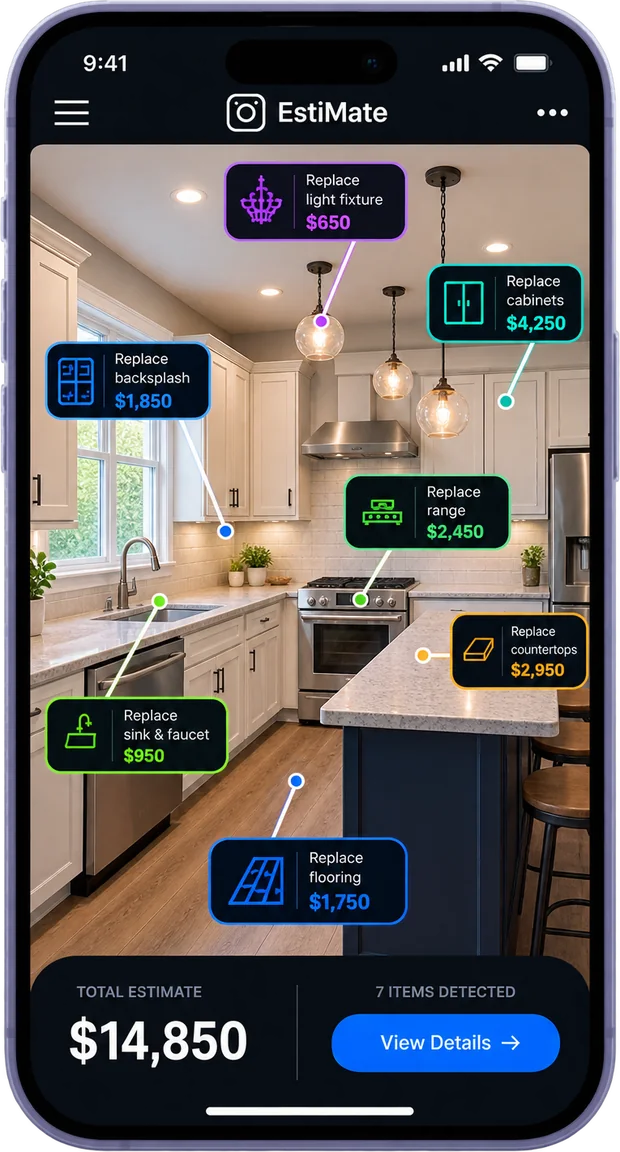
EstiMate reads the repairs off your photos and prices each one at your own rates. Walk the property room by room, and the scope, the repair cost and your maximum allowable offer build as you go.
In this lesson
- Start a project
- Photograph each room
- Watch the number build
- Finish at the desk, if you like
- Send it
-
1
Start a project
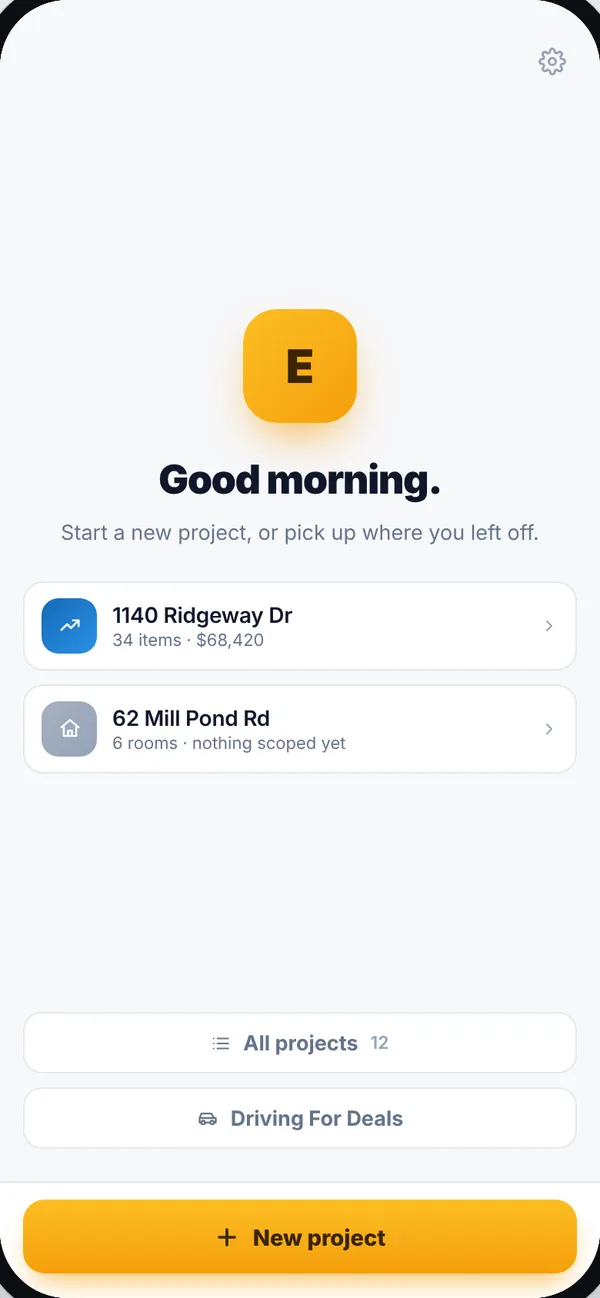
In the EstiMate app, tap New project. Standing outside, let the phone find the address, or type it in. Check it’s the right house, then check the rooms: the bedrooms and bathrooms come from the public records, and you add what they miss, such as a basement or an addition.
Work this property as an investor, an agent or a contractor: the tools and the report change to suit, and your scope, photos and rooms stay exactly as they are.
Coming from a drive? Start estimate on a saved house fills the address in and brings your photos along. See how.
-
2
Photograph each room
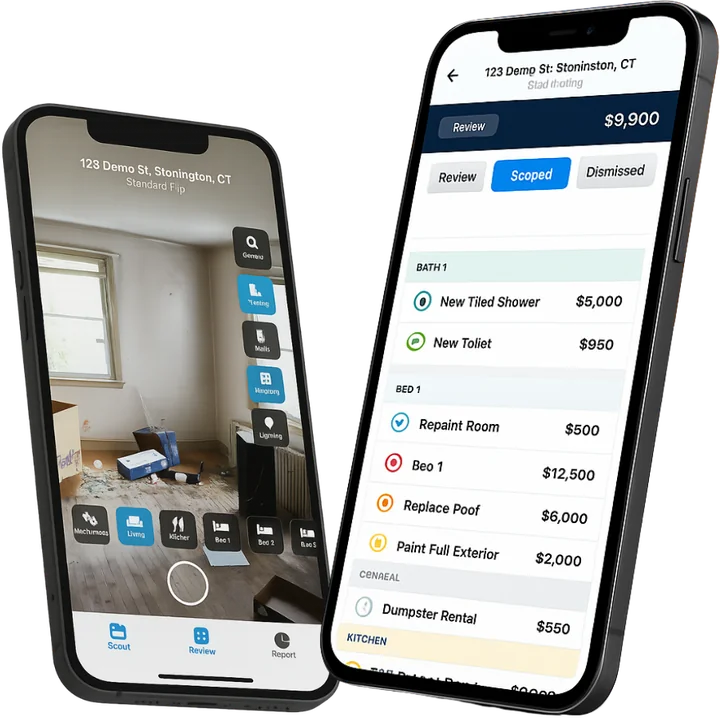
Point the camera at a room and EstiMate names the work it can see, such as cabinets, counters, subfloor, drywall and paint, and puts a quantity and a cost on every line, at your rates. Move room to room. There is no checklist, and nothing to type unless you want to.
No signal? Basements, rural houses, concrete: EstiMate works with zero signal and syncs when you reconnect.
-
3
Watch the number build
As the scope grows, the after-repair value, the repair cost, the holding costs and the most you can pay, your maximum allowable offer, update as you walk. You know your number before you leave the driveway.
- Your price list. You start from a catalogue that is already priced and change what you buy differently. Your price wins from then on, in every room, on every job.
- Nothing forgotten. Dumpsters, permits and consumables, down to the tape and the screws, are added for you.
- Never the same estimate twice. Save a room or a whole project as a template, and the next kitchen arrives already scoped.
-
4
Finish at the desk, if you like
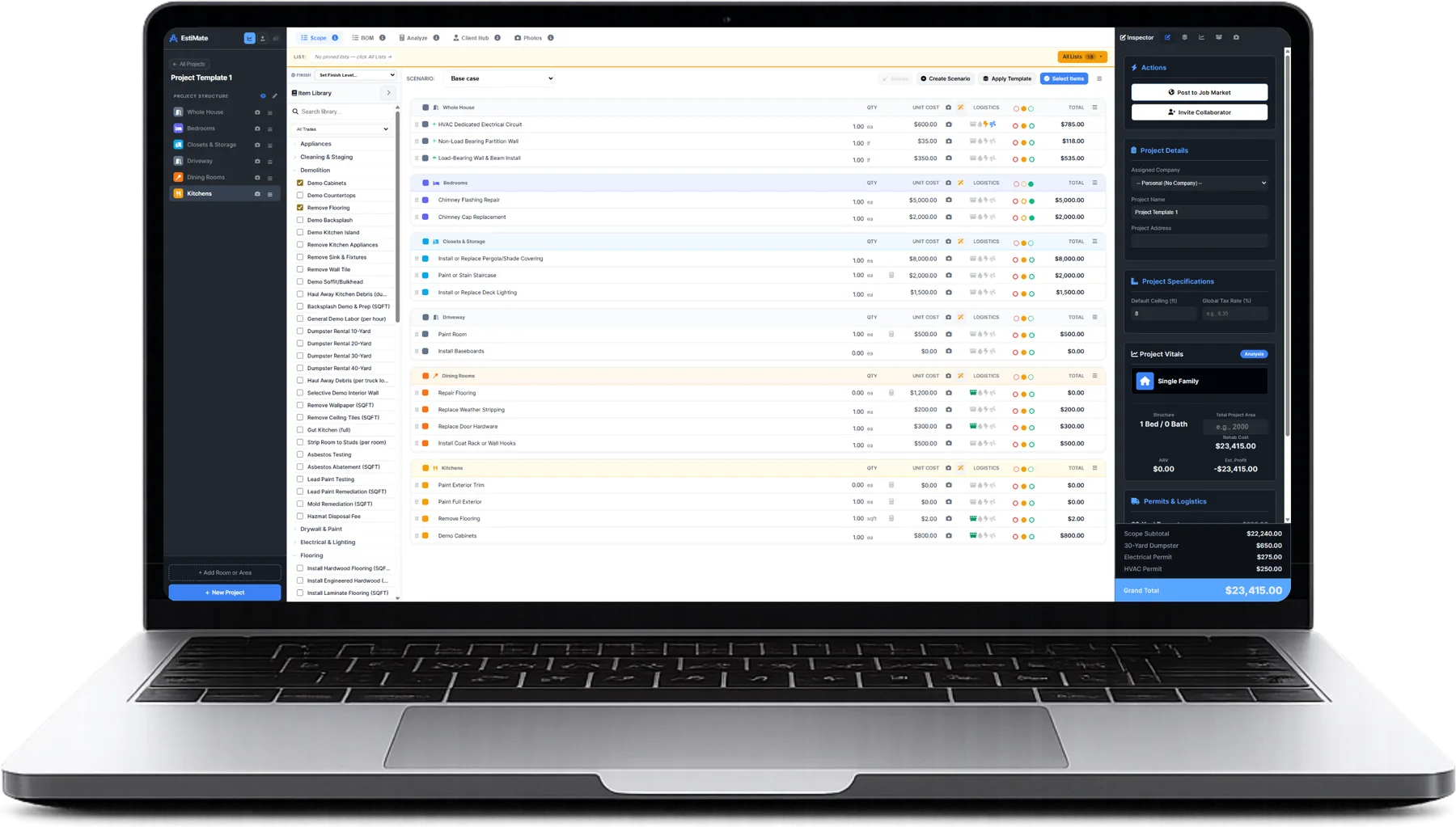
Sign in at estimate.reilink.com with the same account and the walkthrough is already open. Change a price, swap a finish level, split a room out, or run the same house as a flip and as a rental side by side.
-
5
Send it
The same scope makes every document, from the phone or the computer, so none of them can disagree:
- The offer as a live web page. Your buyer or lender opens it in a browser, with no login, and you are told when they read it.
- A PDF with the photos in it. Every repair sits beside the photo that proves it.
- A bill of materials. Every material and consumable in one buying list, for the supplier.
- A proposal they can sign in the browser.
Need real bids? Send the scope to your contractors. Each one gets their own section, priced at their own saved rates.
A week free, then a plan.
On the phone, EstiMate is free for a week, starting with your first property; the sample project you get at sign-up doesn’t start the clock. After the week, the projects you made stay open, and a plan lets you add more. The plans are on the pricing page.
